AI music video generators help musicians turn songs, creative ideas, and text prompts into visuals without relying entirely on traditional filming. Some platforms create scenes from written descriptions, while others analyze uploaded music and arrange visuals around its rhythm.
For independent artists, producing a music video can be challenging. Hiring a production crew, finding locations, shooting footage, and editing multiple scenes often takes time and money. AI tools offer another way to create visual content for music releases, YouTube, and social media.
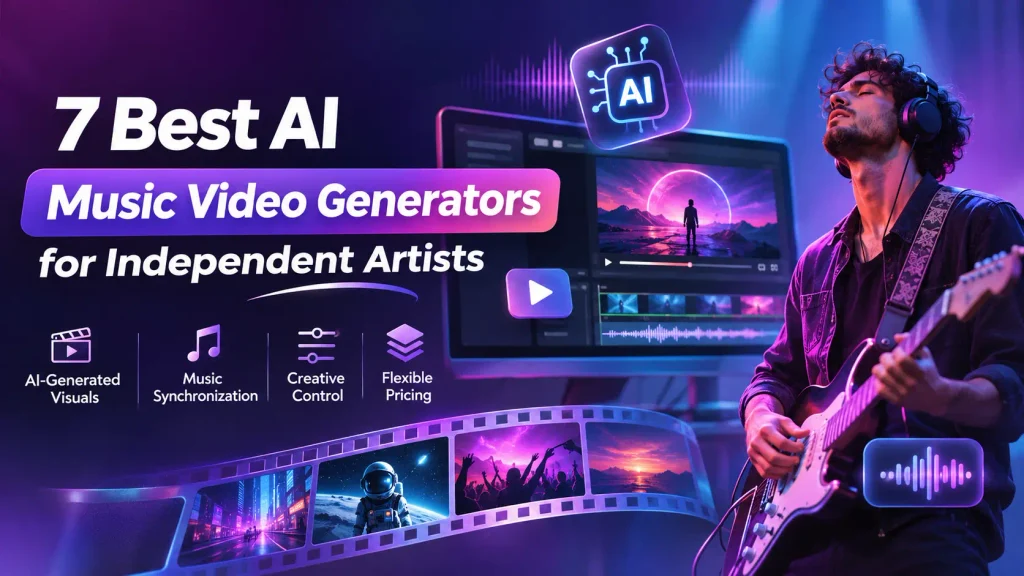
However, not every AI music video generator works the same way. Some focus on cinematic visuals, others specialize in music synchronization, and a few provide tools for editing the finished video.
This guide compares seven AI music video generators based on their features, creative control, pricing, and suitability for independent musicians.
How We Evaluated These AI Music Video Generators
Choosing an AI music video generator involves more than looking at the quality of a sample video. Independent musicians need tools that suit their creative style, technical experience, and budget.
We considered five factors:
- Ease of use: How easily artists can create videos without professional editing experience.
- Visual generation: Whether the tool creates original visuals, animations, or videos from existing footage.
- Music synchronization: Whether visuals automatically respond to a song’s rhythm or require manual adjustment.
- Creative control: How much freedom users have to change scenes, effects, and the final output.
- Pricing: Whether the available plans make sense for occasional releases or regular video production.
The comparison is based on publicly documented product features and pricing, not hands-on performance testing.
Best AI Music Video Generators at a Glance
| Tool | Best for | Main feature | Pricing |
| invideo Agent | Prompt-based music video creation | AI-generated scenes and video editing | From $20/month or $10/month with annual billing |
| Neural Frames | Audio-reactive music visuals | Music-driven animation and Autopilot | From $39/month |
| Kaiber | Experimental music visuals | Beat Sync and AI animation | Creator plan from $29/month |
| Freebeat | Automated music synchronization | Beat-synced music video generation | Free credits; paid plans from $4.99/week promotional |
| Rotor Videos | Music videos using existing footage | Automatic editing to music | Credits or subscriptions |
| Runway | Cinematic AI-generated scenes | Text and image-to-video generation | Free plan; Standard from $15/month |
| Renderforest | Music visualizers and lyric videos | Video templates and AI creation tools | Free and paid plans |
Pricing may change depending on billing cycles, promotions, credits, and plan features.
1. Invideo Agent: Best for Creating Music Videos From Prompts
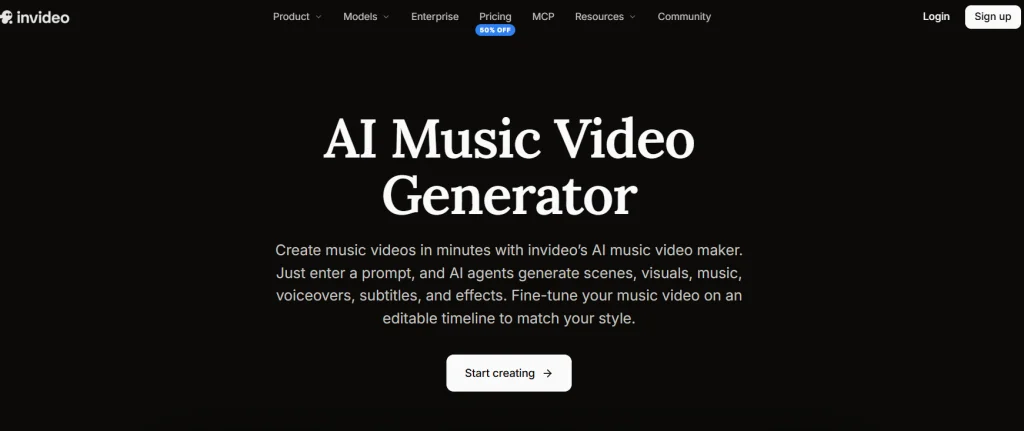
Invideo Agent is an AI video creation platform that helps artists turn written ideas into videos. Instead of starting with recorded footage, musicians can describe their desired visuals, atmosphere, and video style.
Through invideo’s music video maker, artists can enter a text prompt describing their concept. The platform can generate scenes, visuals, music, voiceovers, subtitles, and effects based on those instructions.
This approach is useful for musicians who want to explore visual storytelling without organising a traditional video shoot.
The workflow begins with a prompt. Artists can describe the mood, setting, visual style, and intended audience. An electronic music artist, for instance, could request futuristic city scenes with neon lighting and abstract movement.
Invideo Agent can then build a video draft using generated media and other selected elements. Artists can make changes afterwards rather than treating the first result as final.
Another advantage is the ability to refine the video through editing instructions. Users can request scene changes, replace music, adjust voiceovers, and modify elements that do not match their creative direction.
Best for: Independent musicians who want to create concept-driven music videos using text prompts and AI-generated visuals.
Pricing:
- Starter: $20/month or $10/month with annual billing.
- Plus: $60/month or $30/month with annual billing.
- Max: $150/month or $75/month with annual billing.
2. Neural Frames: Best for Audio-Reactive Music Visuals
Neural Frames is an AI music video platform designed around the relationship between sound and visuals. It allows musicians to create animations that respond to musical elements, making it particularly useful for electronic, ambient, and experimental music.
The platform includes audio-reactive effects, text-to-video generation, and an Autopilot feature for building music videos from songs.
Artists can upload their music and create visual sequences based on the atmosphere they want to communicate. The platform also includes tools for separating audio into stems, giving users additional control over how different musical elements influence visual effects.
Neural Frames is especially useful when the visual experience matters as much as the narrative. Moving patterns, abstract shapes, changing colours, and animated environments can work well with instrumental tracks.
Its workflow offers more specialized control over music-responsive visuals than a general-purpose video generator.
Best for: Electronic musicians, producers, and experimental artists creating animated or audio-reactive videos.
Pricing:
- Neural Knight: $39/month or $26/month with annual billing.
- Neural Ninja: $99/month or $66/month with annual billing.
3. Kaiber: Best for Experimental Music Video Animation
Kaiber is an AI creative platform that supports stylized images, animated video clips, and music-driven visual projects.
Its creative workspace allows artists to explore visual ideas using prompts, images, and generated media. Kaiber also offers Beat Sync, which helps creators connect video sequences with music.
This makes the platform useful for musicians interested in abstract animation, surreal imagery, or visual transformations that would be difficult to film.
An independent artist releasing electronic or alternative music might use Kaiber to create unusual environments, animated characters, or visual effects that complement the song’s mood.
The platform encourages experimentation, giving users room to explore different creative directions rather than following a fixed video template.
For artists who already have visual references, Kaiber can also provide a starting point for developing a consistent artistic style.
Best for: Musicians creating experimental, animated, or visually unconventional music videos.
Pricing:
- Starter: Approximately $10/month.
- Creator: Approximately $29/month, including Beat Sync access.
4. Freebeat: Best for Automatic Music Synchronization
Freebeat is an AI music video generator focused on turning finished songs into synchronized visual content.
Unlike tools that primarily generate individual scenes from text, Freebeat is built to work with music as its starting point. Artists can upload audio or provide supported music links and generate visuals based on the track.
The platform offers music-aware video creation, beat synchronization, and options for different visual styles.
This makes it useful for musicians who have already completed their recordings and want accompanying videos without manually arranging every scene.
Freebeat also supports lip-synced performance videos and AI-generated visual sequences. These options can help artists explore different types of music content beyond basic visualizers.
For independent musicians releasing songs frequently, automatic synchronization can reduce the amount of manual editing needed to prepare a first draft.
Best for: Artists who already have finished songs and want AI-generated visuals that follow the music.
Pricing:
- Free: Limited testing credits.
- Basic: From $4.99/week at a promotional rate.
- Higher-tier plans: Additional credits and features, with pricing depending on the selected plan.
5. Rotor Videos: Best for Music Videos Using Existing Footage
Rotor Videos helps musicians create promotional and full-length music videos using footage, artwork, and automated editing.
Rather than relying mainly on newly generated AI imagery, Rotor analyzes a song and selected clips to produce an edit that follows the music.
Artists can choose footage, upload their own material, and explore visual styles that suit their release.
The platform also supports lyric videos, Spotify Canvas clips, and animated album artwork. These formats are useful for independent artists who need different promotional assets from the same release.
For musicians who already have performance recordings, behind-the-scenes footage, or artwork, Rotor provides a relatively straightforward way to repurpose those materials.
Its automated editing workflow also makes it suitable for artists who prefer working with real footage instead of completely AI-generated scenes.
Best for: Independent musicians creating music videos, lyric videos, and promotional content from existing media.
Pricing:
- Pay-as-you-go: Credit-based purchases.
- Subscription: Recurring plans are available.
- Music Video: 3 credits per video.
- Lyric Video: 4 credits per video.
6. Runway: Best for Cinematic Music Video Scenes
Runway is a generative AI platform that allows creators to produce video clips from text prompts, images, and other creative inputs.
For independent musicians, its main strength is creating cinematic scenes that may be difficult to record with a small production budget.
Artists can explore unusual settings, dramatic lighting, and visually complex sequences using AI video generation.
This makes Runway suitable for concept-heavy music videos where individual shots need a distinctive appearance.
A musician producing a science-fiction-themed release, for example, could generate futuristic environments or surreal visual sequences and combine them into a larger video.
Runway also provides creative tools for refining generated media and exploring different visual directions.
However, musicians should understand the distinction between generating clips and producing a synchronized music video. Runway is primarily useful for making individual visual elements that can later be assembled around a track.
Best for: Musicians who want cinematic AI-generated shots and are comfortable arranging them into a finished music video.
Pricing:
- Free: Limited one-time credits.
- Standard: $15/month or $12/month with annual billing.
7. Renderforest: Best for Music Visualizers and Lyric Videos
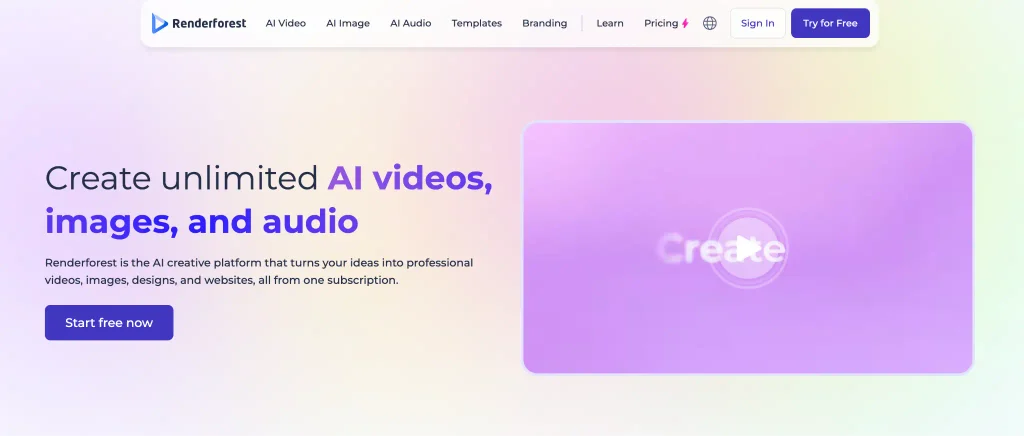
Renderforest is an online content creation platform offering AI video generation, music visualizers, animation tools, and video templates.
For musicians who need straightforward promotional content, it provides options for creating visualizers, lyric videos, and other music-related videos.
Artists can select visual styles, add their own media, and customize templates to reflect their music or brand.
This approach is useful for independent musicians who want a polished presentation without designing every scene individually.
Renderforest also offers AI-generated video tools for projects that require more than a standard template.
A musician releasing a new single could create a music visualizer for YouTube and prepare shorter promotional videos for social media using the platform’s different creation options.
Its mix of templates and AI tools makes it accessible to creators with varying levels of editing experience.
Best for: Beginners and independent artists who need lyric videos, animated artwork, or music visualizers.
Pricing:
- Free: Limited features and export options.
- Paid Plans: Subscription pricing varies by plan, export quality, and available AI features.
Which AI Music Video Generator Should You Choose?
The right tool depends on the type of music video you want to produce and the materials you already have.
- For prompt-based music videos: Choose invideo agent when you want to turn a written concept into generated scenes and refine the result with editing instructions.
- For audio-reactive animations: Neural Frames is well suited to visuals that move and change with the music.
- For experimental visuals: Kaiber offers creative options for stylized animation and music-driven effects.
- For automated beat synchronization: Freebeat focuses on making videos from finished songs.
- For editing existing footage: Rotor Videos helps combine selected clips with music.
- For cinematic AI scenes: Runway is useful when you want to create individual shots for a larger project.
- For lyric videos and visualizers: Renderforest offers accessible templates and video creation tools.
Artists should also consider how much control they need after generation. Some tools prioritize producing a first draft automatically, while others require more creative input and manual editing.
Testing a short project before committing to a subscription can help reveal which workflow best matches your needs.
What to Consider Before Publishing an AI Music Video
AI video generation can simplify production, but musicians still need to review the finished result carefully.
Check music and visual rights. Make sure you have permission to use uploaded songs, third-party footage, images, and any other protected material. Review the platform’s commercial-use terms before publishing.
Review synchronization. A video can look impressive while still feeling disconnected from the music. Watch transitions, scene changes, and movement closely, especially during choruses or changes in tempo.
Maintain a consistent visual style. Colors, lighting, characters, and scene design should work together. Too many unrelated visual effects can distract from the music.
Prepare the correct format. YouTube music videos commonly use horizontal video, while Instagram Reels and TikTok favor vertical formats. Check the resolution and aspect ratio before exporting.
Make time for final edits. AI-generated scenes may contain visual errors or unexpected changes. Reviewing the output helps maintain a professional result.
Conclusion
AI music video generators give independent artists more ways to turn songs and creative ideas into visual content.
Platforms such as Neural Frames and Freebeat focus on music-responsive generation, while Kaiber and Runway provide tools for exploring unusual visual styles. Rotor Videos and Renderforest offer practical options for working with existing footage, templates, and promotional formats.
The best choice depends on whether an artist needs a complete video from a prompt, automatic synchronization with a finished track, or individual scenes for a custom edit.
Rather than choosing a tool based only on its sample videos, musicians should compare creative control, editing options, export quality, and the actual cost of producing a finished release.
Frequently Asked Questions
Can AI create a music video without filming?
Yes. Some AI video generators can produce scenes and animations from text prompts or reference images. Others combine stock footage or uploaded media with music, allowing artists to create videos without organizing a new shoot.
Which AI music video generator is best for beginners?
Renderforest and Rotor Videos provide relatively straightforward workflows for visualizers and footage-based music videos. Prompt-based tools may also work for beginners, although the amount of creative control and editing required varies.
Can AI automatically synchronize visuals with music?
Yes. Specialized platforms such as Freebeat, Neural Frames, and Kaiber offer music-responsive features. However, synchronization methods differ, and not every AI video generator automatically aligns scenes to individual beats.
Are AI-generated music videos suitable for YouTube?
Yes, provided the video follows YouTube’s applicable policies and the artist has the necessary rights to the music and visuals. Musicians should also review any requirements for disclosing altered or synthetic content.
Do independent musicians need video editing experience to use AI music video generators?
Not necessarily. Many platforms generate a first draft automatically or provide ready-made templates. Basic editing knowledge can still help musicians improve pacing, adjust scene transitions, and prepare videos for different platforms.